
Every feature you need for business SMS
Send, personalise, schedule and track your text messages from your browser. One solution for one-to-one texts, bulk SMS campaigns and automated sending.
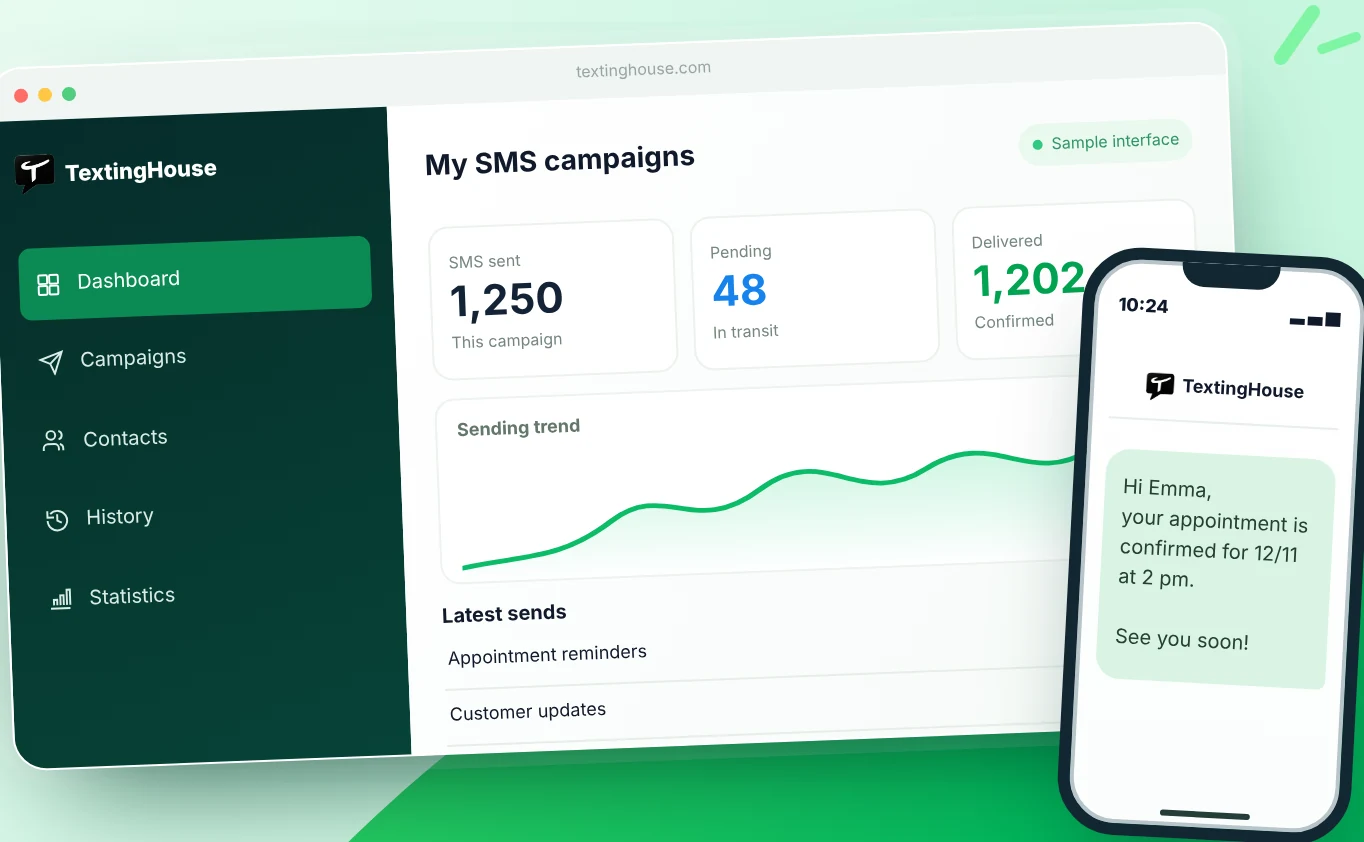 Sample interface
Business text messaging built into your web tools
A browser extension, professional features and a simpler way to send SMS from the web applications you already use.
ClickMe2Text: send an SMS in one click from any number
The TextingHouse extension detects mobile numbers shown on your web pages and places its small icon next to each one. Click the icon and a new SMS opens with the recipient already filled in.
Use it straight from your CRM, ERP, intranet, help desk or online directory: no development and no changes to your business software.
Find out more about ClickMe2Text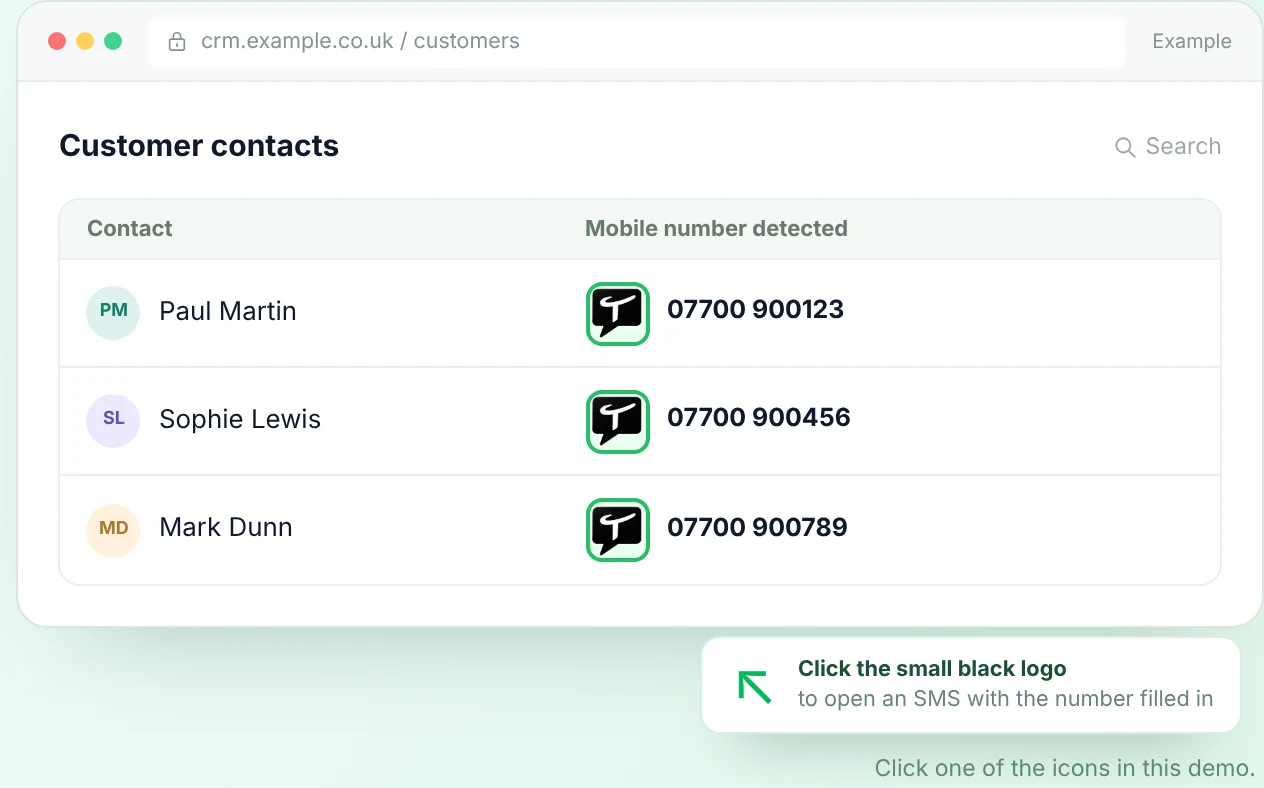
SMS extension built into your browser
Click the TextingHouse icon at the top right of your browser to open the app and text one or thousands of recipients. Available for Chrome, Edge, Firefox and Opera, on PC or Mac.
Install the extension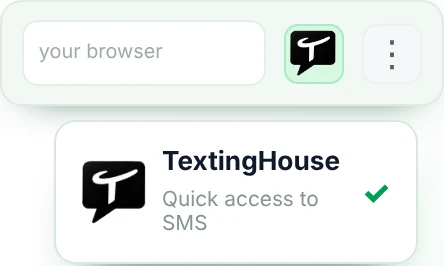
A secure business SMS platform
Your messages go through a central, professional SMS platform on the internet, with no link to your smartphone. Your data is processed in line with the GDPR.
Business SMS and the GDPR
Bulk SMS campaigns that are easy to create and precise to deliver
A one-off message, a scheduled reminder or a marketing campaign: every business text messaging feature in one interface.
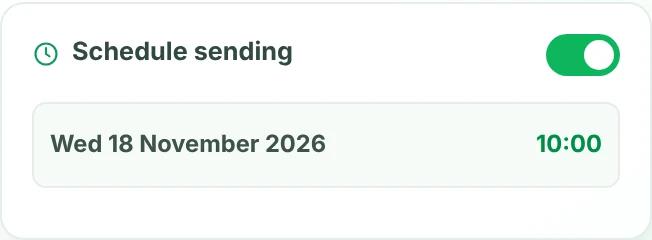
Send SMS now or schedule them
Send your texts instantly or schedule them for the date and time of your choice, for greater impact and to respect your recipients’ private time.
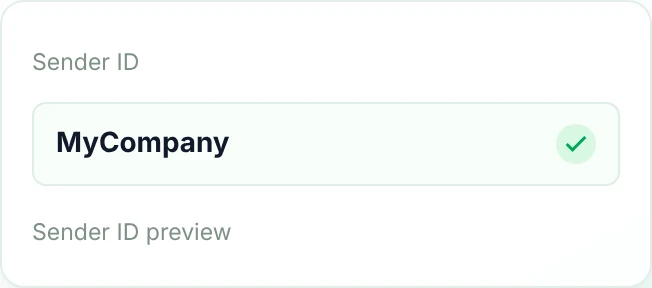
Custom SMS sender ID
Show your company name (11 characters) instead of a number so customers recognise you straight away, subject to the destination country’s rules. If you wish, you can also add your trading name at the start of your messages: it’s simply an option.

Bulk SMS sending
From your address book or an Excel, CSV or ODS file, send a text to thousands of recipients in a few clicks, straight from your computer.

Automatically personalised SMS
First name, surname, customer number, balance, address, delivery time… The columns of your Excel, CSV or ODS file, or your address book data, fill in every SMS: one template, unique messages.
Automatic STOP opt-out management
Recipients unsubscribe by link or by number. STOP requests are recorded automatically, blocked on your next sends and listed in your tracking.

Multi-user business mode
One account and one shared SMS credit for your whole team. Payment is centralised by the designated administrator(s).
Contact lists that are organised and ready for your SMS
Import, de-duplicate and target your recipients. TextingHouse also picks up the numbers shown on the web pages open in your browser.
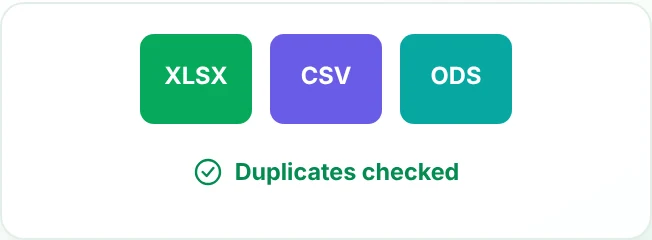
Contact import and de-duplication
Import your Excel, CSV or ODS contact files into your SMS address book. Duplicates are removed automatically, both on import and when sending.

Recipient selection and targeting
Target your campaigns using your own criteria: group, region, sector, activity, turnover or consent (opt-in), and combine them for relevant messages.
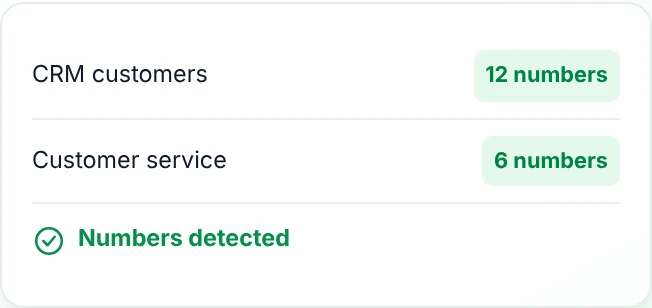
Number detection on your web pages
The extension gathers the mobile numbers found in your browser tabs. Select one or more contacts, even from different pages, and text them.
A clear view of every send and its results
Delivery reports, campaign history and visual statistics: measure how well your SMS perform and fine-tune your next campaigns. The 7 KPIs to track
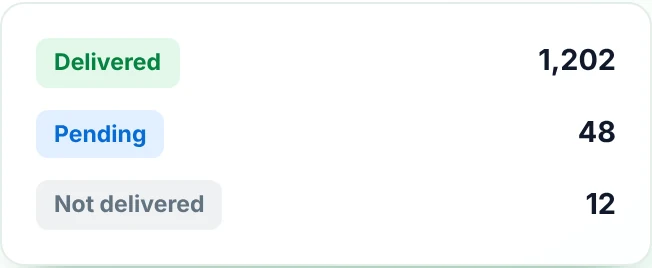
SMS delivery reports
Track the status of every text: sent, delivered, pending or not delivered. You know exactly which recipients were reached.
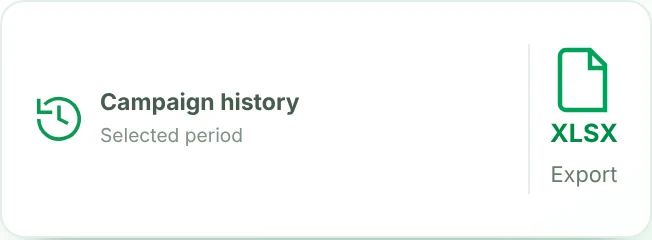
Sending history and Excel export
Browse your campaign history by period, in a summary or detailed view, find the replies received (replies available depending on the destination and set-up), resend to the same recipients easily in one click and export everything to Excel.
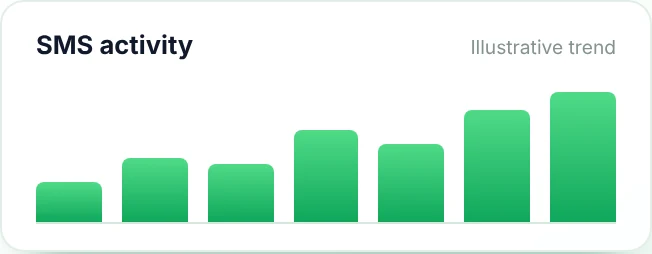
Campaign statistics charts
See how your sending and SMS usage evolve over time. To go further, read our article: track your campaigns in Google Analytics 4.
Automate your SMS from your software
TextingHouse doesn’t stop at the browser: trigger your text messages from your own tools, exactly when they’re needed.
Compliant SMS: consent, STOP and sending hours
TextingHouse gives you the tools to send text messages in line with SMS marketing rules and the GDPR.
- Your contacts’ consentTarget only the contacts who agreed to receive your messages, using the opt-in field. Getting your customers’ consent
- Automatic opt-outEvery marketing SMS offers STOP, and opt-outs are applied with no action needed on your part.
- Protected dataYour contacts’ data is processed in line with the GDPR. Business SMS and the GDPR
Sending hours by SMS type
Recipient’s local time.
A marketing SMS scheduled outside these hours goes out automatically at the next permitted time.
Everything about TextingHouse SMS features
Practical answers to help you choose your business SMS solution. More questions? See our full FAQ.
Does ClickMe2Text need to be integrated into my CRM?
No. The TextingHouse extension spots the mobile numbers shown on your web pages and places its small icon next to each one. One click opens an SMS with the recipient already filled in, in your CRM, ERP, intranet or help desk, with no development and no changes to your software. Discover ClickMe2Text.
Can I send bulk SMS from an Excel file?
Yes. Import an Excel, CSV or ODS file, select your recipients and write your message: it goes to the whole list in a few clicks. The columns of your file also personalise each SMS (first name, order number, date…). Duplicates are removed automatically.
Can I schedule an SMS for a specific date?
Yes. Send your SMS straight away or choose the date and time it goes out: ideal for appointment reminders, follow-ups or marketing campaigns sent at the best moment.
Can my company name appear as the sender?
Yes, depending on the destination. You choose a sender ID of up to 11 characters that appears instead of a number. Some countries, such as the United States and Canada, don’t allow custom sender IDs.
How are STOP opt-outs handled?
Your marketing SMS offer a simple way to unsubscribe, by link or by number. STOP requests are recorded automatically, blocked on your next sends and listed in your tracking.
At what times are SMS sent?
Transactional SMS (confirmations, reminders, alerts, codes) go out at any time. Marketing SMS go out Monday to Friday from 8 am to 8 pm and on Saturday from 10 am to 3 pm, in the recipient’s local time; if scheduled outside these hours, they go out automatically at the next permitted time.
Can I track delivery reports and export my history?
Yes. For each recipient you can see whether the SMS was sent, delivered, is pending or was not delivered. Your campaign history can be browsed by period, in a summary or detailed view, and exported to an Excel file.
Can several colleagues use the same account?
Yes, with the multi-user business mode: one shared account and SMS credit, sub-accounts for your colleagues and payment centralised by the administrator(s).
Which browsers does TextingHouse work with?
The extension installs on Chrome, Edge, Firefox and Opera, on a PC or Mac. Your recipients receive a standard SMS on their phone, with no app to install. Download TextingHouse.
How many characters can an SMS contain?
An SMS holds up to 160 characters. Beyond that, the message is sent as several SMS and each part is counted.
Launch your first SMS campaign
Install the TextingHouse extension in 3 minutes and try every feature with 10 free SMS, with no subscription.